Availability is not completion
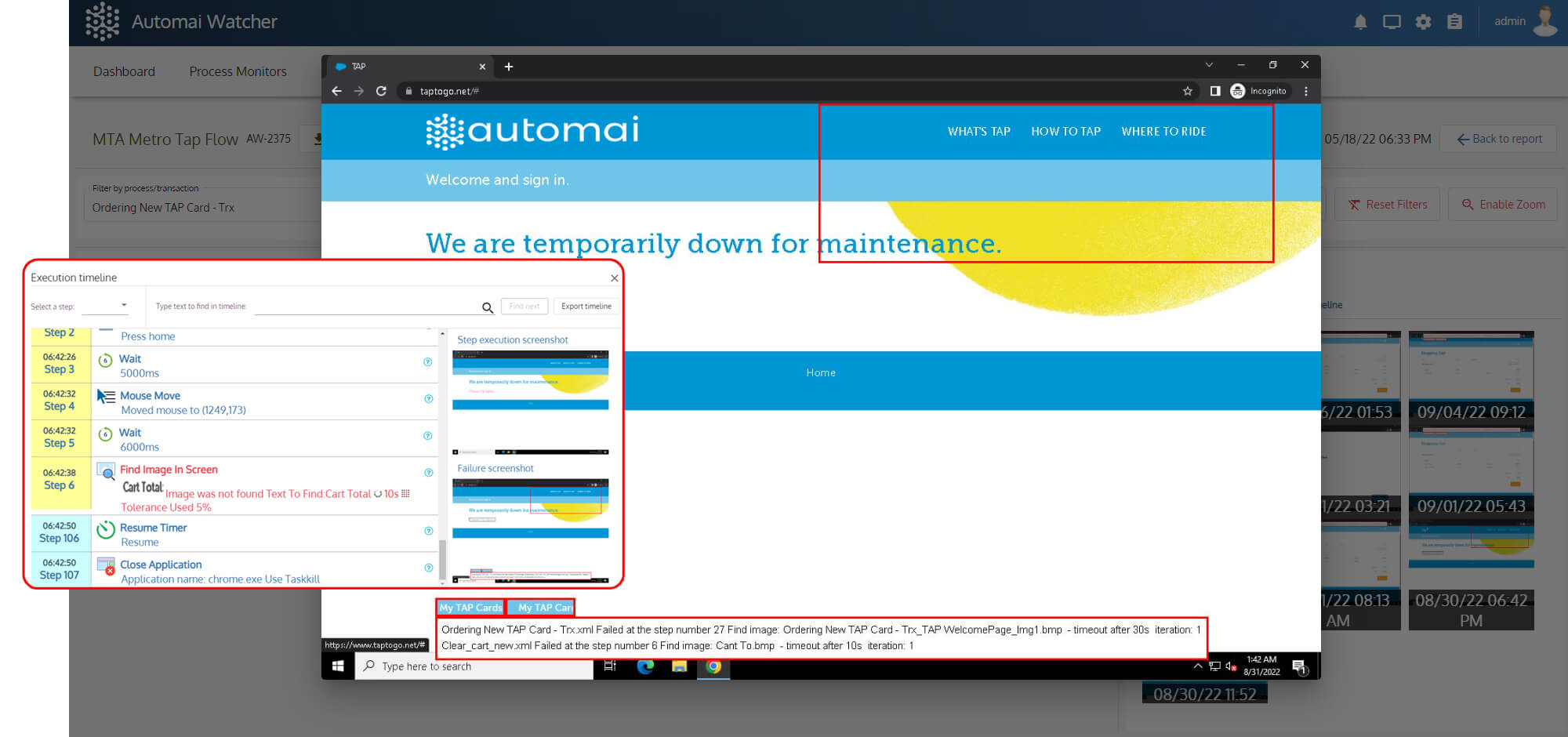
The application can respond while users cannot complete the transaction.

End User Experience Monitoring
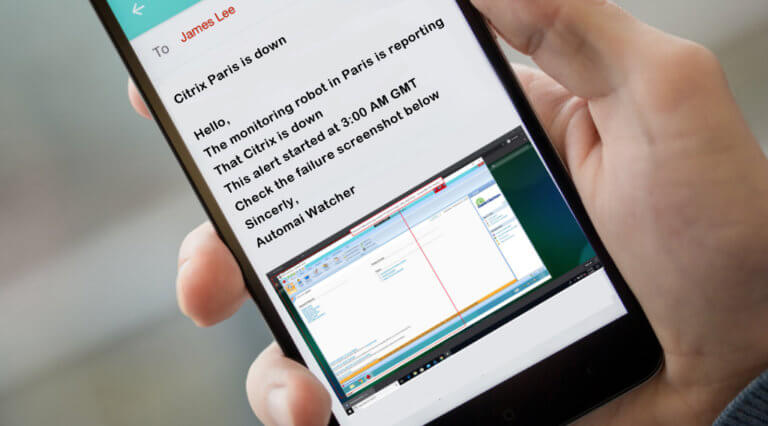
Automai Watcher runs real workflows continuously and detects failures before users report them.
Operational Problem
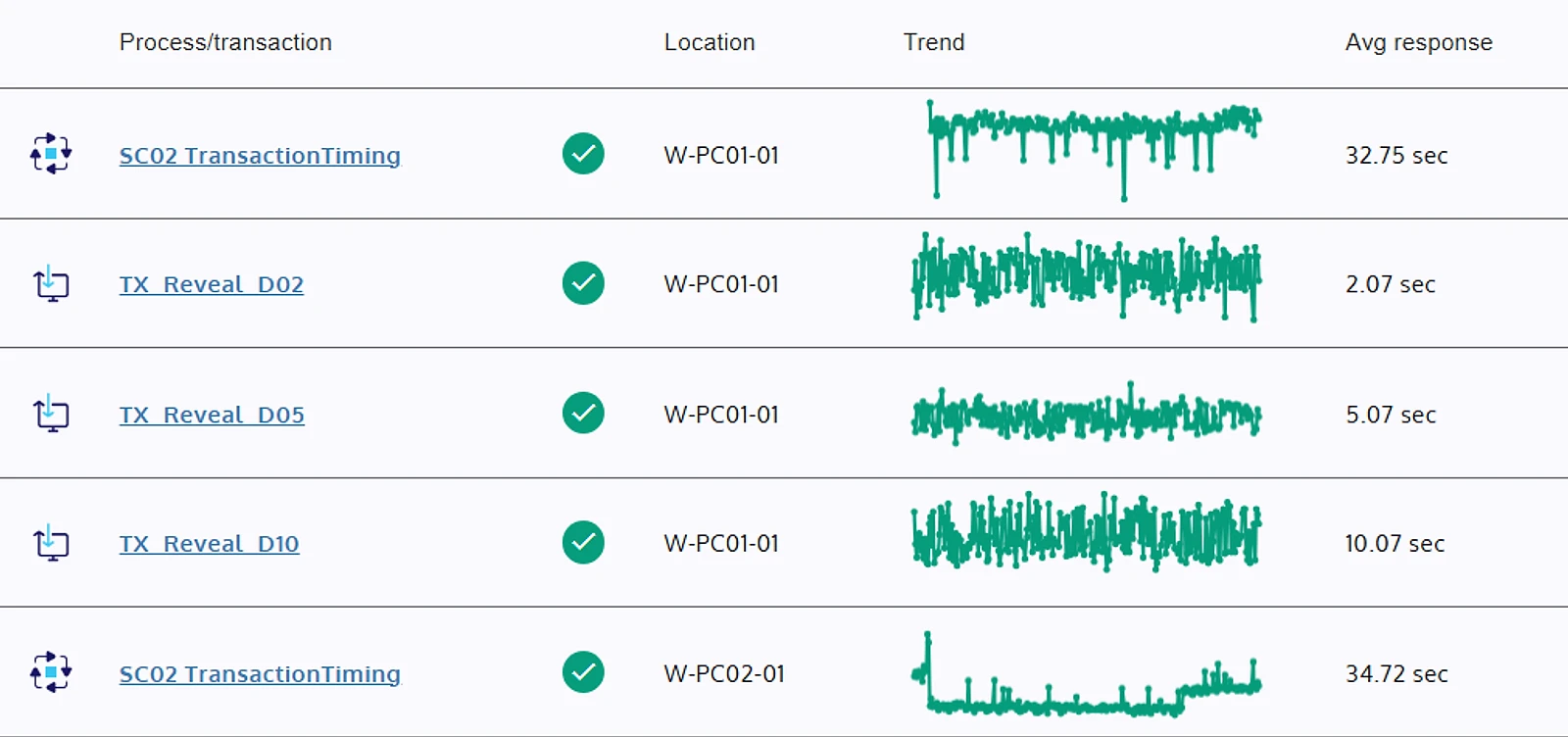
Automai Watcher simulates full workflows from login through navigation and data transfer and reports issues before users notice.
The application can respond while users cannot complete the transaction.
APM and infrastructure metrics do not show which user step slowed down.
Support tickets become the monitoring signal when workflow execution is not checked.
What Automai Monitors
Session start, authentication, launch, and first screen load.
Forms, approvals, payments, orders, and transaction monitoring.
Expected fields, downstream steps, integrated workflows, and completion.
Where Watcher Runs
Virtual desktop workflow monitoring.
Thick-client and custom application workflows.
Login, submit, validate, and complete.
Approvals, forms, reports, and transaction visibility.
Clinical and operational workflow monitoring.
Multi-application user paths.

"Troubleshooting time dropped by nearly 70%. Automai Watcher quickly shows whether the issue is in the network or the application — so we fix it faster."Edgar IrahetaLead Engineer, Cambridge Health Alliance

FAQ
Watcher is synthetic monitoring focused on real user workflow monitoring and transaction visibility, not simple ping checks.
Application performance monitoring tracks system metrics. Watcher shows whether users can complete the workflow.
Production Monitoring
Choose a workflow where failure creates tickets, operational risk, or user impact.