Test performance under load
Identify bottlenecks and transaction delays as automated users execute workflows at scale.

Real User Workflow Performance Testing and Monitoring
Automai simulates real user workflows to identify performance bottlenecks, transaction failures, and workflow degradation across business-critical applications.
From login and navigation to submission, approval, and transaction completion, Automai helps teams understand how workflows perform under load, before release, and in production.
A successful login or application health check does not guarantee that a business transaction will complete.
When multiple users execute workflows simultaneously, application delays, session performance, and system interactions can expose problems that isolated checks may miss.
Automai Loader simulates real user workflows at scale to identify performance bottlenecks and transaction failures before rollout.
Automai helps teams investigate workflow behavior through execution results, transaction timings, failed steps, screenshots, and performance trends.
Instead of relying only on infrastructure availability, teams can examine whether business-critical processes complete as expected.
Identify bottlenecks and transaction delays as automated users execute workflows at scale.
Check business processes, workflow steps, and expected outcomes before changes go live.
Detect degradation and failed transactions through repeated workflow execution.
Use available timing data, screenshots, and execution results to understand where a workflow failed.
Understand what happened at the workflow level, not just whether the application was available.
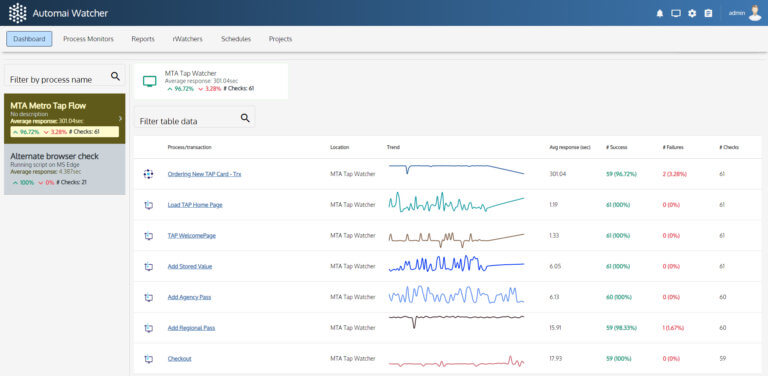
Automai Watcher monitors critical workflows through repeated execution and provides visibility into workflow outcomes, performance trends, and failures.
Use monitoring evidence to investigate degraded transactions and understand where a business process stopped completing as expected.
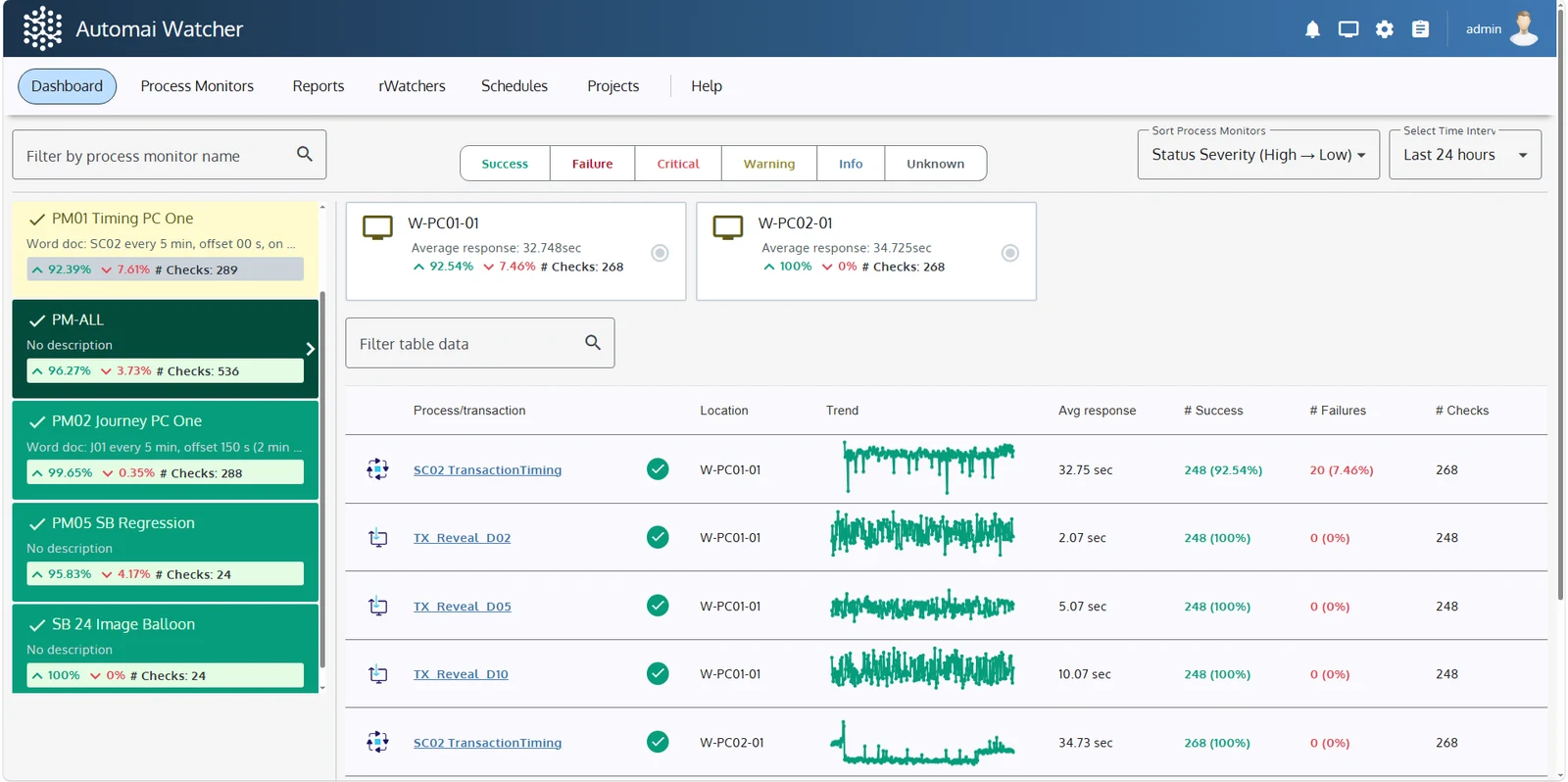 Workflow execution statusTransaction timingPerformance trendsFailed workflow indicators
Automai helps teams validate business-critical workflows across complex applications, virtual desktops, and integrated systems.
From transportation and healthcare to financial services and enterprise operations, Automai focuses on the transactions users depend on every day.




Critical business processes often span virtual desktops, desktop applications, web interfaces, and connected enterprise systems.
Automai validates workflows from the user perspective, helping teams understand how applications behave across the steps required to complete a transaction.
Validate session access, application responsiveness, and workflow completion across supported Citrix, Azure Virtual Desktop, and other virtual desktop environments.
Explore Citrix & VDIValidate operational processes such as registration, approvals, transaction submissions, and integrated workflows where interruptions affect day-to-day operations.
Test and monitor workflows involving Windows desktop applications, thick clients, and legacy systems that remain essential to business operations.
Explore Windows ApplicationsFollow business processes across web interfaces, enterprise applications, and connected systems to identify delays, failed steps, and incomplete transactions.
Explore Web ApplicationsUse the same real user workflows to test performance, validate releases, and monitor production.
Simulate real users executing workflows at scale to catch failures and bottlenecks before release.
Explore LoaderUse Watcher when the risk is users discovering application, network, location, or desktop issues first.
Explore WatcherUse Tester when the risk is a release, upgrade, patch, or workflow change breaking a high-value path.
Explore TesterPick a critical workflow, environment, or upcoming change. Automai will show where it slows, fails, or breaks.