Login and Access
Validate supported authentication and application access workflows.

Web Applications
A web application can be available while critical business workflows still fail. Automai validates supported web workflows from login through transaction completion, helping teams test performance under load, validate changes before release, and monitor important processes in production.
User Workflow Validation
A browser can load. An API can respond. Individual services can report healthy.
Users can still encounter a failed submission, a missing result, an incomplete approval, or a transaction that takes too long.
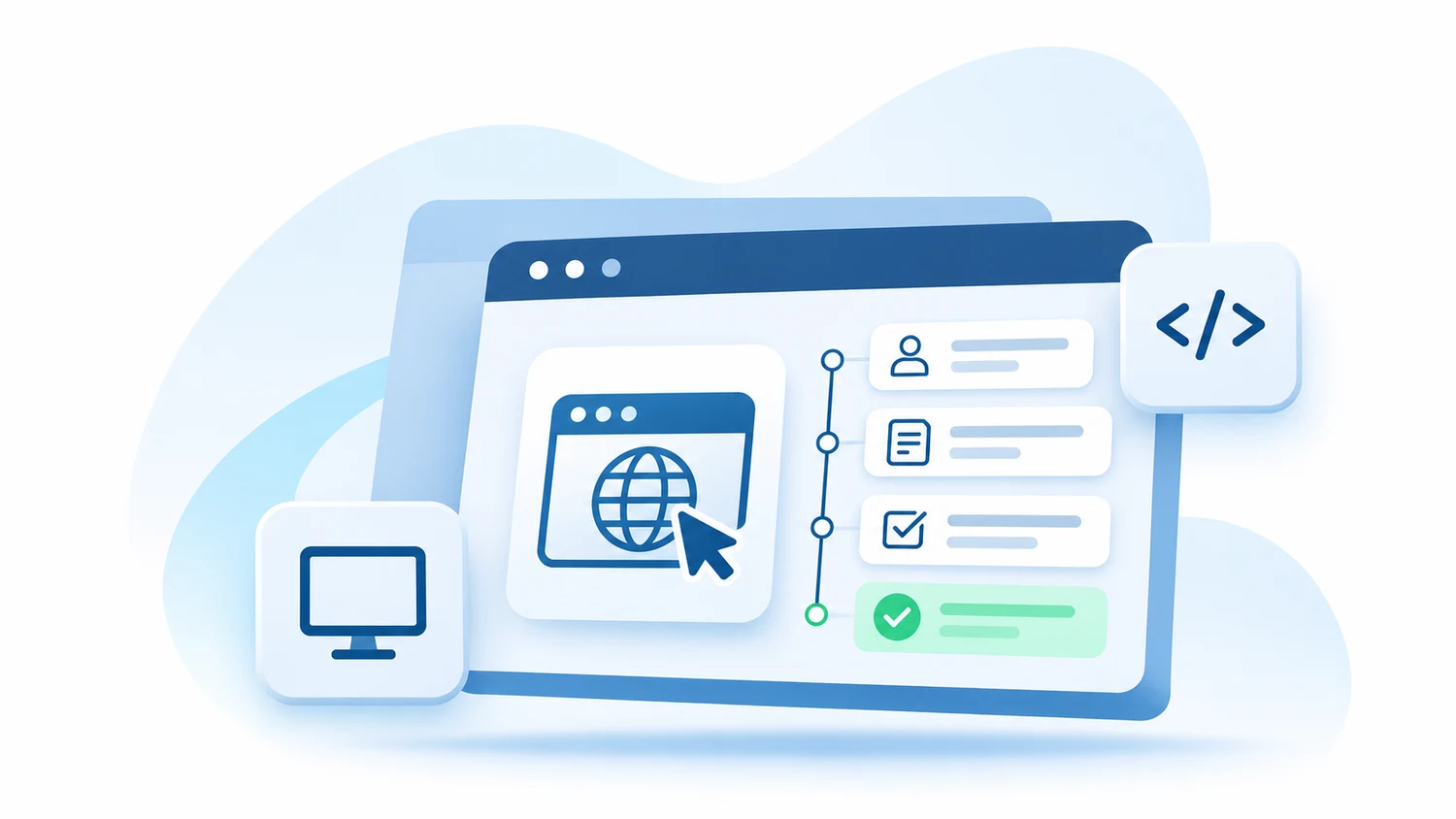
Automai adds the user perspective by executing defined workflows through supported application interfaces and validating whether the process reaches its expected outcome.
Application is available
The business process completes with the expected result.
Access Path
Web ApplicationsWorkflow
Evidence
Business Workflows
Business-critical web workflows often involve more than opening a page or checking a single response.
Automai executes defined user interactions through supported application interfaces to validate the process from access to expected outcome.
Validate supported authentication and application access workflows.
Follow the application path through pages, menus, records, and tabs.
Execute supported field entry, selections, and form submissions.
Validate defined business transactions and their expected outcomes.
Follow supported approval workflows through the relevant application steps.
Validate workflows involving report requests, generation, or access.
Execute supported workflows that extend beyond one web application.
Repeatedly execute selected business-critical processes using applicable monitoring capabilities.
Common Applications
Salesforce workflows vary according to each organization's configuration, business processes, and connected applications.
Automai's user-level approach focuses on the actions employees perform through the application interface rather than relying only on generic availability checks.
For supported Salesforce environments, this approach can be used to evaluate critical workflows around releases, performance testing, and production monitoring.
Explore Salesforce Workflow Validation
Validate defined workflows involving records, forms, navigation, submissions, and expected outcomes.
Re-run selected workflows around Salesforce application and configuration changes.
Use Loader to evaluate supported Salesforce workflow behavior under load.
Use Watcher to repeatedly execute selected Salesforce workflows from the user perspective.
Validate supported workflows that extend from Salesforce into other enterprise applications.
Common Applications
Microsoft Dynamics 365 workflows depend on each organization's applications, configurations, and connected systems.
Automai's workflow-based approach focuses on user interactions and business outcomes through supported application interfaces.
For compatible Dynamics 365 environments, teams can evaluate selected workflows around application changes, performance testing, and production monitoring.
Validate defined transactions involving records, forms, navigation, submissions, and expected outcomes.
Repeat important workflows after application, configuration, or interface changes.
Use Loader to evaluate supported user workflows under load.
Use Watcher to repeatedly execute selected workflows.
Validate supported business processes extending beyond Dynamics 365.
Custom Applications
Not every critical business process runs in a packaged enterprise application.
Internal portals, customer-facing applications, partner systems, administrative tools, and custom web applications can be central to daily operations.
Automai's user-interface approach allows teams to build workflow validation around supported applications and the business processes users perform.
Validate selected workflows employees use to complete important business activities.
Validate supported journeys involving forms, transactions, submissions, and expected outcomes.
Evaluate workflow automation for compatible browser-based applications that remain important to the business.
Follow supported workflows involving multiple web applications or other enterprise interfaces.
Cross-Application Workflows
A critical business workflow may begin in a CRM application, continue through an internal portal, move into a Windows application, and finish in another enterprise system.
Automai's workflow-centered approach supports validation across compatible application technologies rather than treating each application as a completely separate process.
Change Validation
Web applications change through releases, browser updates, configuration changes, interface changes, and connected-system updates.
Even when the application remains available, these changes can affect the business processes users depend on.
Automai helps teams execute repeatable workflows around application changes to evaluate whether important processes continue to reach their expected outcomes.
Establish repeatable workflows and expected behavior.
Use Tester to validate defined business processes before release.
Re-run selected workflows to investigate potential regressions.
Use Watcher to monitor selected workflows and identify failures or degradation.
Automai Products
Automai connects business-critical workflow automation with functional testing, performance testing, and production monitoring.
Execute supported real user workflows under load to evaluate front-end transaction performance and identify delays or failures.
Explore LoaderRepeatedly execute selected business-critical workflows in production to detect failures and performance degradation.
Explore WatcherValidate complete business workflows before release using reusable no-code testing capabilities, checkpoints, and generated test cases.
Explore TesterCoordinate supported workflows, bots, scheduling, scenarios, reporting, alerts, and evidence.
Explore the PlatformCreate reusable business journeys and application knowledge around supported enterprise processes.
Explore JourneyWorkflow Evidence
When users report that a web application is slow or not working, infrastructure metrics may not explain the complete experience.
Automai provides available workflow execution evidence to help teams investigate what happened through the application interface.
Review supported visual execution evidence to understand what appeared through the user interface.
Use available timing measurements to investigate delays in business workflows.
Validate whether the automated process reached its defined expected outcome.
Review available execution results to understand where the workflow stopped reaching its expected outcome.
User-Perspective Validation
Application performance monitoring, infrastructure telemetry, logs, and API checks provide important information about technical system behavior.
Automai complements these tools by executing defined business workflows through supported application interfaces.
The objective is to answer a different question:
Can the user complete the business-critical process?
This perspective is especially valuable when a workflow involves multiple applications and no single system's telemetry represents the complete user journey.
Workflow Maintenance
Web applications and business processes change over time.
Automation must be maintained as pages, fields, navigation, and application behavior evolve.
Automai's approach centers on reusable business workflows and application knowledge.
Organize automation around repeatable business processes.
Maintain workflow definitions as applications and business requirements change.
Represent supported paths and conditions within business processes.
Execute defined interactions through supported application interfaces.
Use Cases
Validate selected Salesforce and Dynamics 365 workflows around supported application and configuration changes.
Re-run important business journeys when supported browsers or application environments change.
Validate complete supported workflows after changes to applications within a multi-system process.
Repeatedly execute selected business-critical workflows to detect user-impacting failures and degradation.
Validate important business processes after application releases and updates.
Use Loader to exercise supported front-end transactions under load and evaluate user-side response behavior.
FAQ
Automai executes defined business-critical workflows through supported application interfaces.
These workflows may include login, navigation, forms, transactions, submissions, approvals, and expected outcomes.
Automai's workflow-based approach can be applied to supported Salesforce user journeys.
Compatibility depends on the Salesforce interface, application configuration, authentication, and environment.
Automai's approach can be used to evaluate supported Dynamics 365 business workflows through the user interface.
Automai supports workflow automation through compatible web application interfaces, including custom enterprise applications and portals.
Uptime monitoring checks whether an application or endpoint is available.
Automai executes defined user workflows to validate whether important business processes reach their expected outcomes.
API testing validates services and interfaces directly.
Automai adds the user perspective by executing business processes through supported application interfaces.
The two approaches can complement one another.
Automai supports workflow validation across compatible application technologies and environments.
The exact supported combinations depend on the applications, access methods, and workflow configuration.
Automai's platform is designed around reusable business workflow automation across applicable testing and monitoring use cases.
Automai Loader uses automated real user workflows to evaluate front-end performance under load.
Automai provides available workflow execution results, timing information, and supported visual evidence to help teams investigate unsuccessful processes.
Automai's core workflow-validation approach operates through supported application user interfaces rather than relying solely on backend telemetry.
Automai Tester is positioned around reusable no-code functional workflow validation.
Workflow automation may require maintenance when application interfaces or business processes change.
Automai Watcher supports repeated execution of selected business-critical workflows in production.
Next Step