Login works but workflows break
Users can authenticate but fail during submission, validation, approval, or payment.

Release & Upgrade Validation
Automai validates real user workflows before releases, patches, migrations, image updates, and infrastructure changes go live.
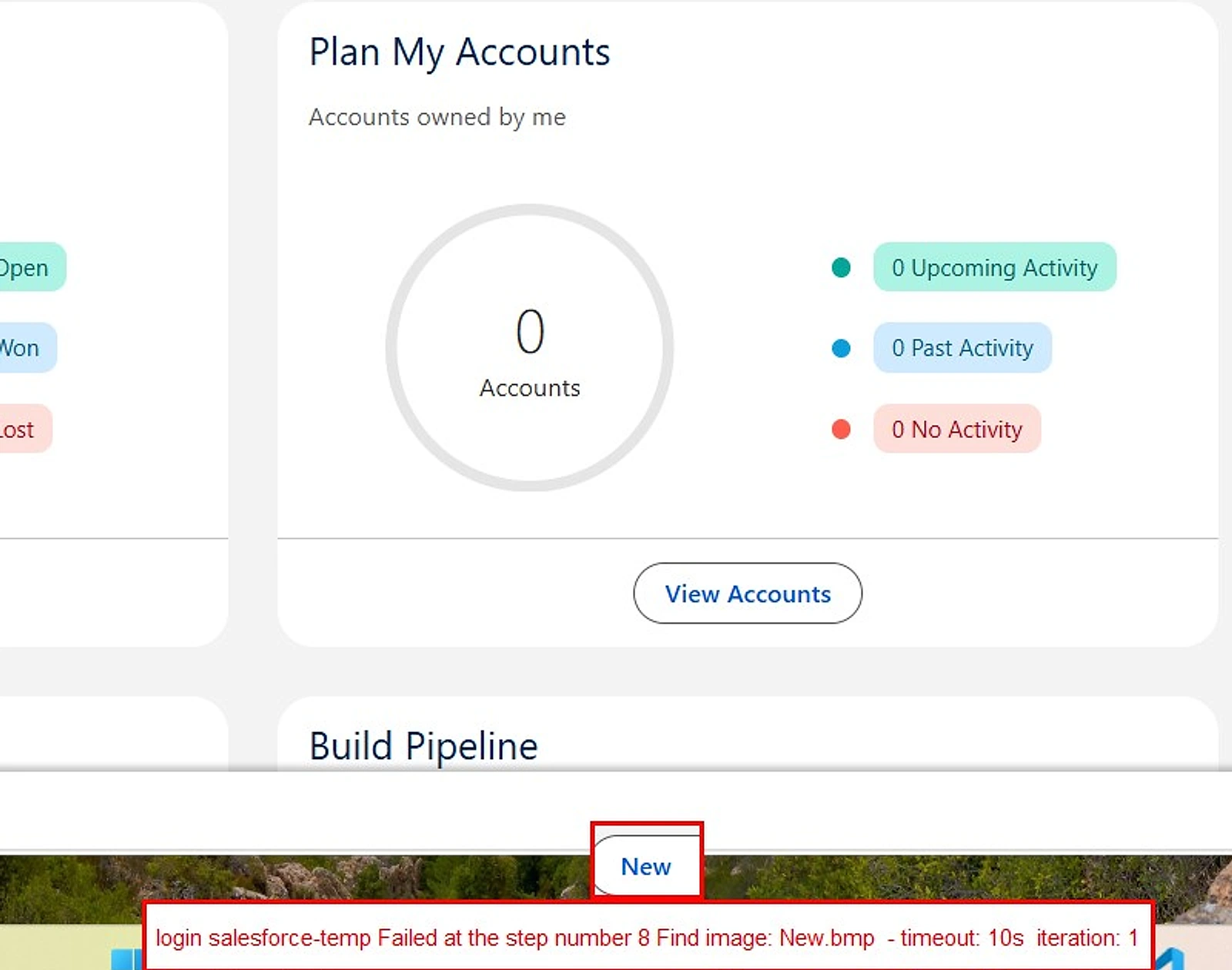
Operational Problem
Technical validation often confirms infrastructure status without proving workflow completion.
Users can authenticate but fail during submission, validation, approval, or payment.
Fields, buttons, images, browser behavior, or desktop sessions change after rollout.
APIs and services can pass while the screen users depend on fails.
How Automai Validates Upgrades
Test workflows under real user load before rollout.
Validate workflows before release signoff.
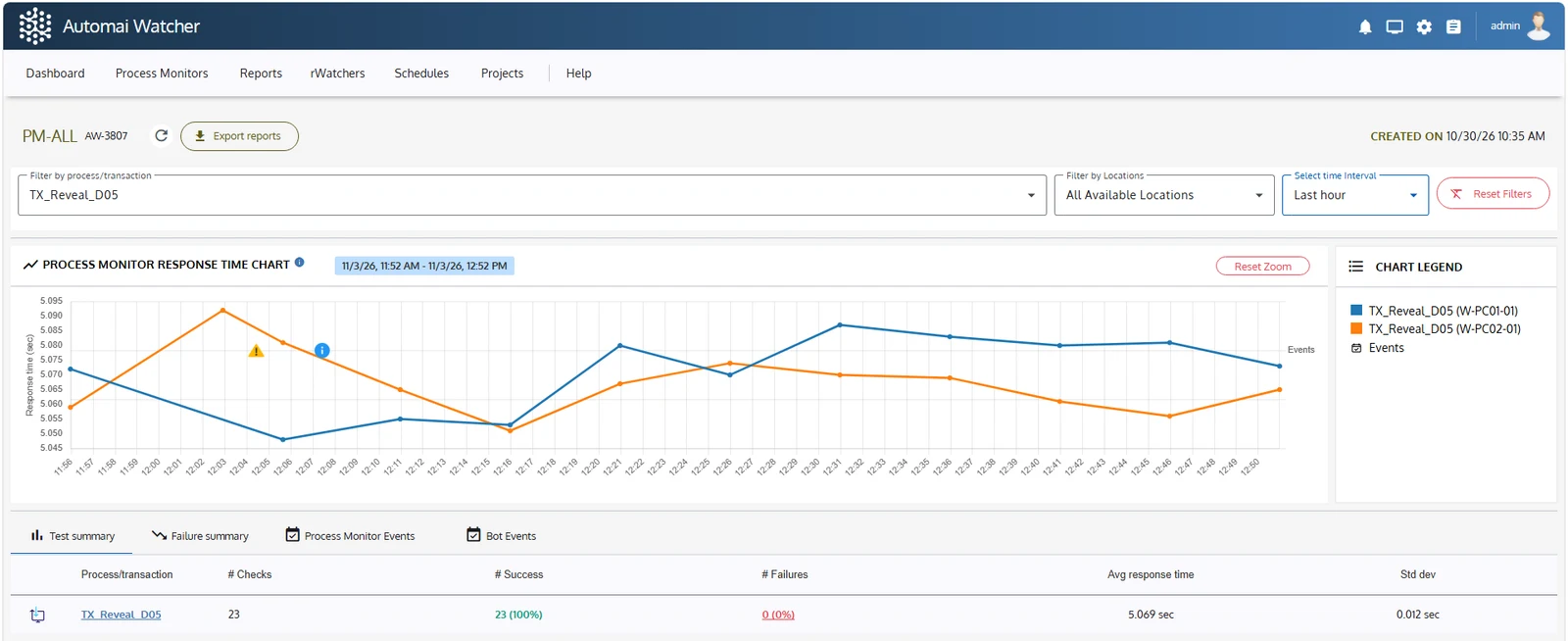
Monitor the same workflows after deployment.
Common Upgrade Scenarios
Validate login, launch, and desktop app workflows.
Compare workflow execution before and after migration.
Confirm forms, approvals, and transaction completion.
Detect workflow changes caused by endpoint updates.
Find changed UI behavior before users report it.
Measure transaction visibility through the full stack.
FAQ
Yes. Loader can apply front-end performance testing through real user workflows while Tester validates functional completion.
Yes. Watcher monitors the same workflow in production and captures workflow degradation before users report it.
Release Readiness
Start with the workflow most likely to create production risk.